Your workspace
Who is in your workspace, what they can do, the figures on how the business is going, how Elle reaches your phone, and which MLS feeds you are on.
Account menu → your role pill (the small Owner or Admin chip) → Workspace.
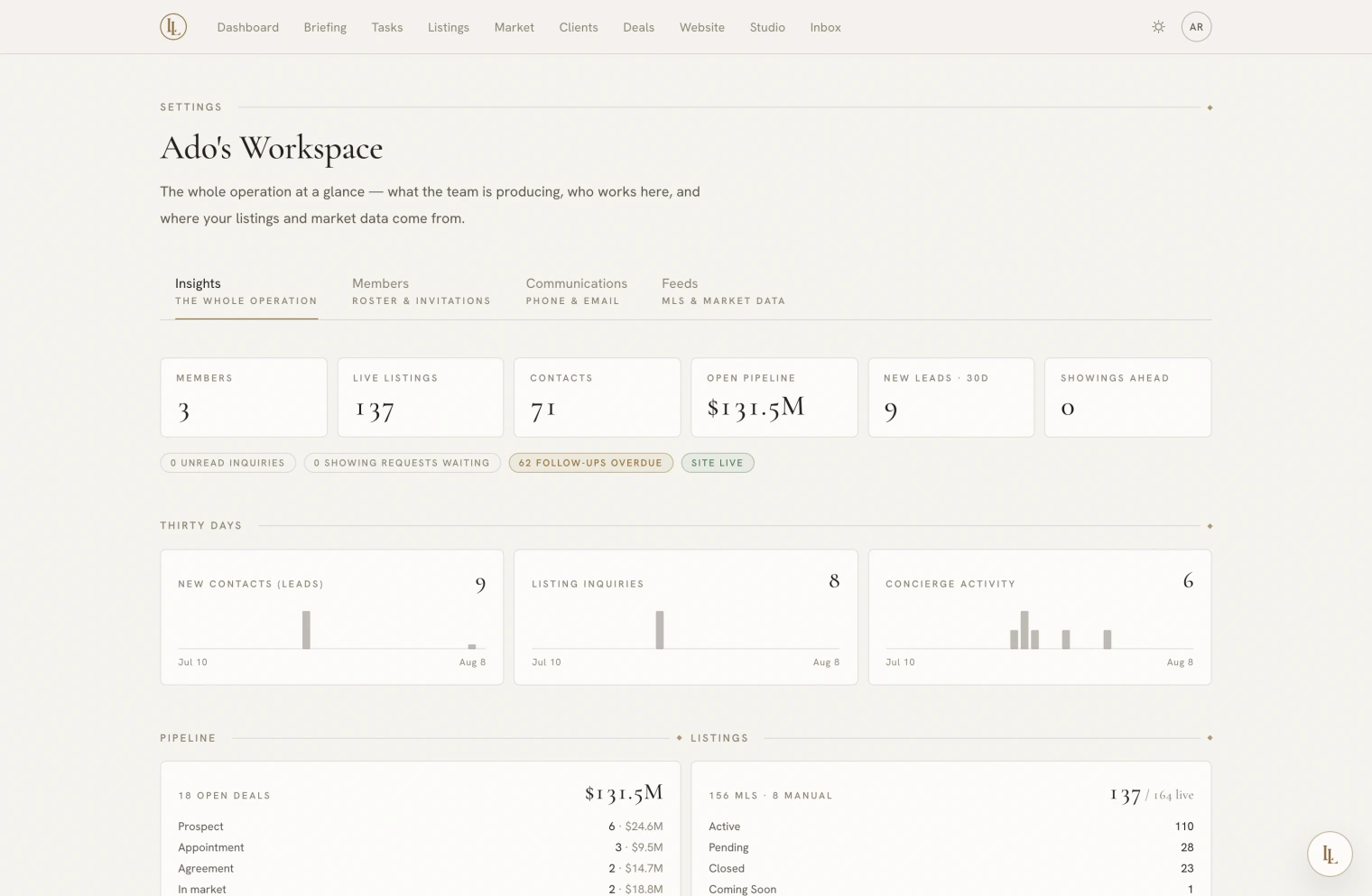
| Tab | Holds | Who sees it |
|---|---|---|
| Insights | How the business is going | Owners and admins |
| Members | The roster, roles, invitations, renaming | Everyone; changes are owner and admin work |
| Communications | Your phone number, your reply name, the briefing cadence, lead intake | Everyone; members read only |
| Feeds | Which MLS feeds answer for you | Owners and admins |
Roles
| Role | Can |
|---|---|
| Owner | Everything — billing, renaming, roles, removal, invitations |
| Admin | Invite members and admins, revoke invitations, see Insights |
| Member | Use the app fully; view the roster |
A workspace must always keep at least one owner. The app refuses any change that would leave it with none — you cannot lock yourself out.
Admins cannot mint owners. Promoting someone to owner is an owner’s decision.
Inviting someone
Members tab → invite, with an email address and a role.
There is no invitation link to forward. The email says “sign in with this address”, and when they do, their membership is applied automatically. That means an invitation cannot be forwarded to the wrong person and used.
Invitations last a fortnight. Re-inviting a pending address refreshes the role and the expiry in place rather than making a second invitation.
Elle can invite people, and she confirms first.
Removing someone
From the roster. Their account survives — they simply lose access to this workspace. Anything they created stays.
Insights
Owners and admins only. Plain members see the roster with no tabs.
- Stat tiles and attention badges
- Thirty-day sparkbars
- Pipeline and listing mix
- Team activity — per person: contacts added, touches logged, deals opened, manual listings created, conversations with Elle, and when they were last active
It is built only from work that carries an author. Listings that arrived from an MLS feed credit nobody, and neither do actions taken by your website’s visitors. A quiet row means “did not do the attributable things”, not “did nothing”.
Renaming
Owners only, on the Members tab. This changes the display name. Your web address and your custom domain are untouched.
Communications
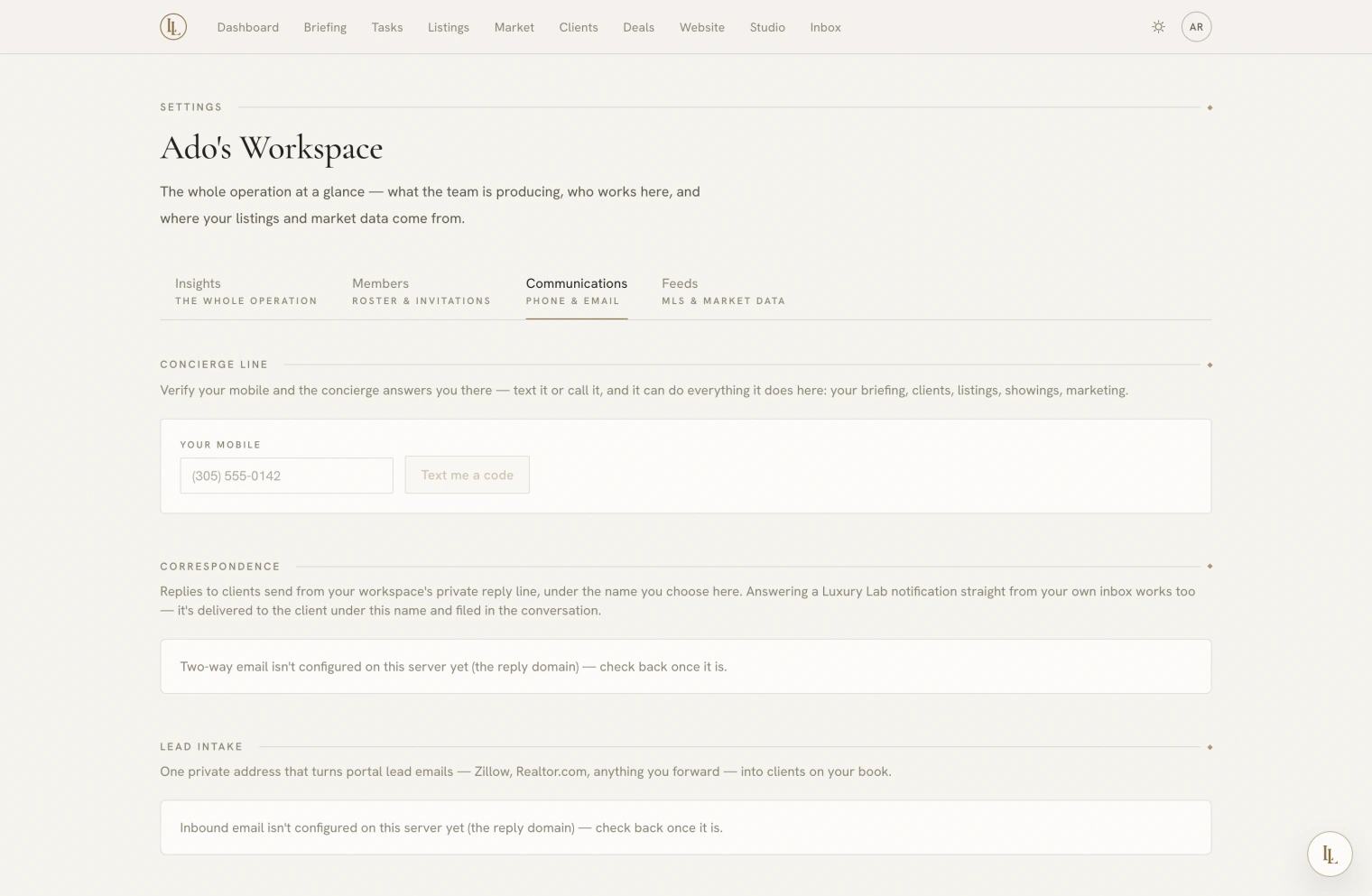
- Your phone. Verify your mobile number with a code and Elle answers your texts and calls. The number is yours, not the workspace’s — each person verifies their own. See By text and phone.
- The name on your replies. What a lead sees in their inbox when you answer them. Leave it blank and it is your name and your workspace.
- The morning briefing. Daily, weekly on Mondays, or off. Off means off — the email does not send even if something asks it to.
- Lead intake. The address that lets Zillow and Realtor.com file leads straight into your book. See Where leads come from.
Feeds
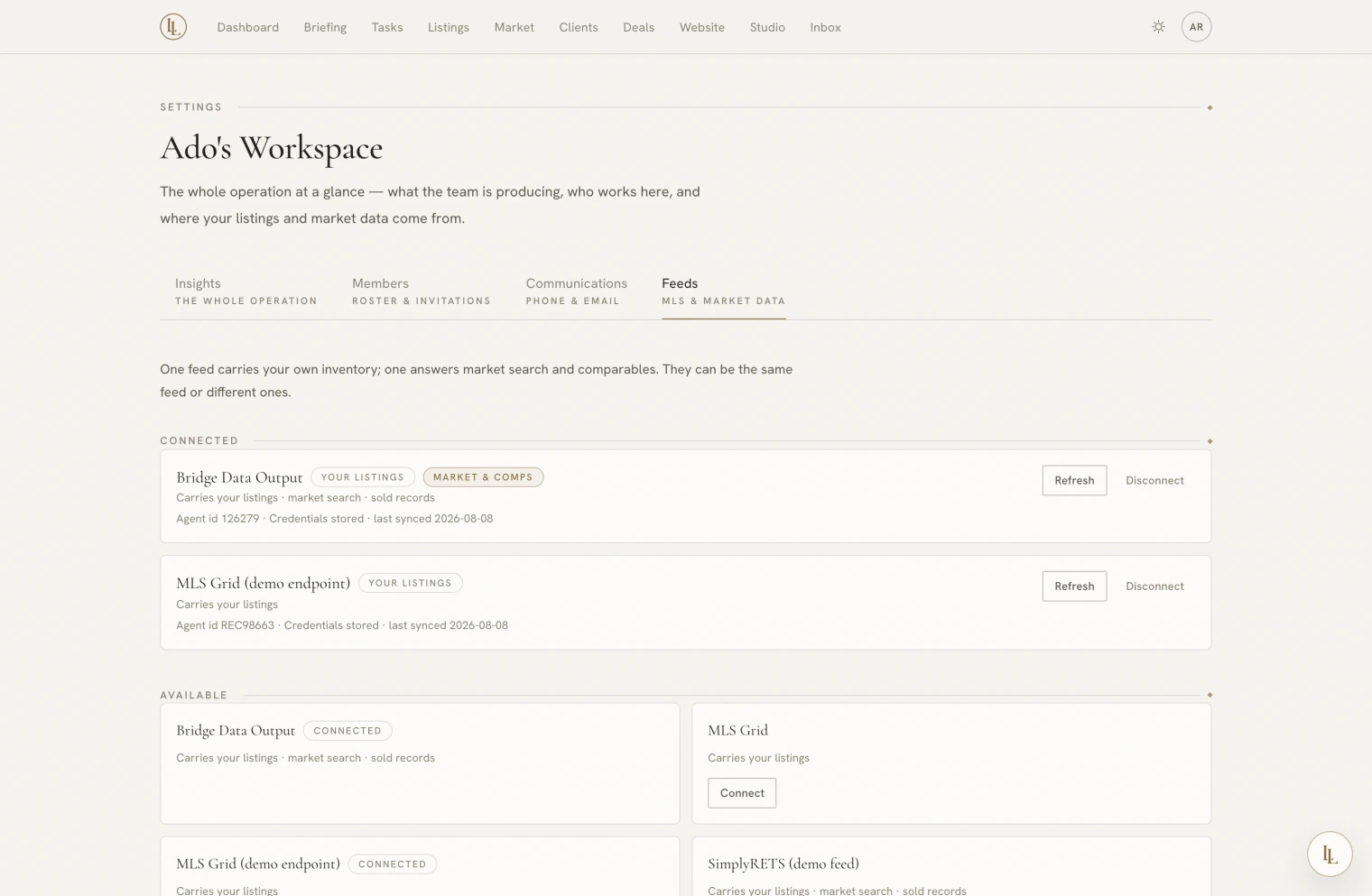
Owners and admins. Feeds are a brokerage feature: an MLS feed is a licence a brokerage signs, so your brokerage holds the office feed on the agency desk and enters each agent’s MLS id against it. This tab shows what that means for you:
| Line | Means |
|---|---|
| Your listings | This feed brings your inventory in and keeps it up to date |
| Market search | This is the feed searched from the Market room. One at a time. |
Every feed marked Your listings syncs, not just the first. If one of them fails, the app names it rather than hiding the failure behind a healthy one.
If your listings have not appeared, your brokerage admin is who to ask — they enter your MLS agent id on the agency’s Feed desk, and there is nothing for you to connect. Without a brokerage, add listings by hand; they publish exactly the same pages.
A workspace that connected its own feed before feeds became a brokerage feature keeps that connection and can still disconnect it here. Disconnecting takes two steps, and offers — but does not default to — removing the listings that feed brought in.
Removing them is not tidying up. Each listing takes its photographs, enquiries, showings, matches, tasks and private details with it, and unlinks itself from any deal, marketing piece, or saved analysis. Keeping them is the safe default: a disconnected feed simply stops updating what it brought.
Feeds are set up by the brokerage rather than by asking Elle — API credentials have no business in a chat transcript. She can tell you which feeds you are on, what each can do, and whether your id has been entered yet.
Several workspaces
If you belong to more than one, they are listed at the top of the account menu. Switching changes everything and sticks until you switch back — including which workspace Elle answers about when you text her.