The market
Search the whole MLS, not just your own listings — the room where you answer a buyer’s question, price a conversation, and see what a neighbourhood is doing.
Listings is your inventory. Market is everybody’s.
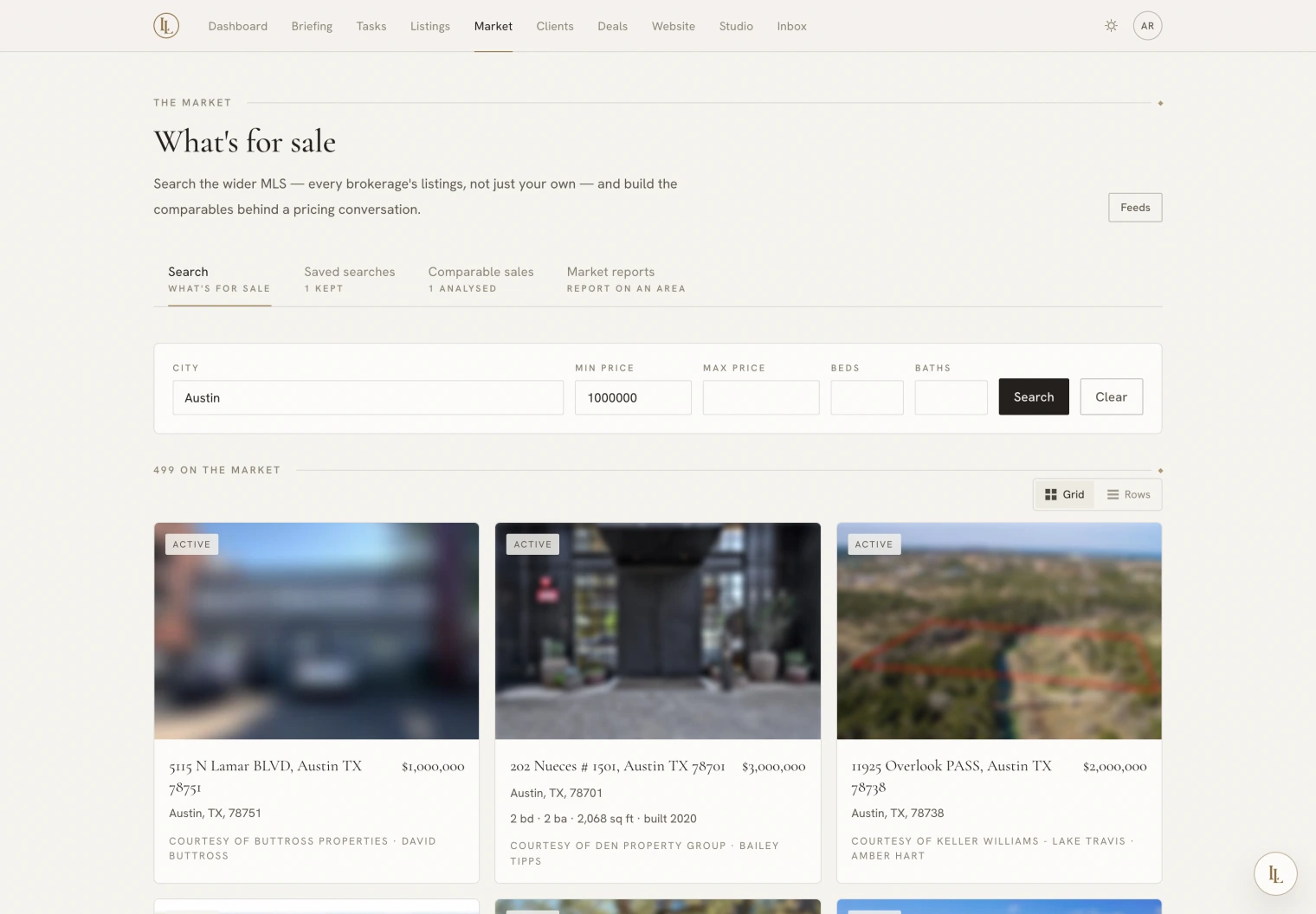
Searching
Fill in what you know — a city, a price band, beds, baths — and press Search. Nothing is fetched until you ask for something, so opening the page costs you nothing.
Results come back as cards or rows; the choice sticks. Click any result for a full detail page: photographs, specifications, and the listing brokerage’s credit.
Long lists page through with Previous and Next. Where your MLS reports a total, you get a count; where it does not, you simply get the arrows. The app would rather show you a working pager than invent a page count.
Everything here belongs to whoever has the listing, and every result carries their credit. Repeat that credit whenever you pass one on. Search results are never written into your own portfolio and never appear on your public website — that would be a licensing problem, not a preference.
Asking Elle instead
What’s for sale in Montrose between eight hundred and one point two?
Anything new in the Heights with four bedrooms?
Who on my books should see this?
She reads out what the feed returned, credits included.
Saved searches
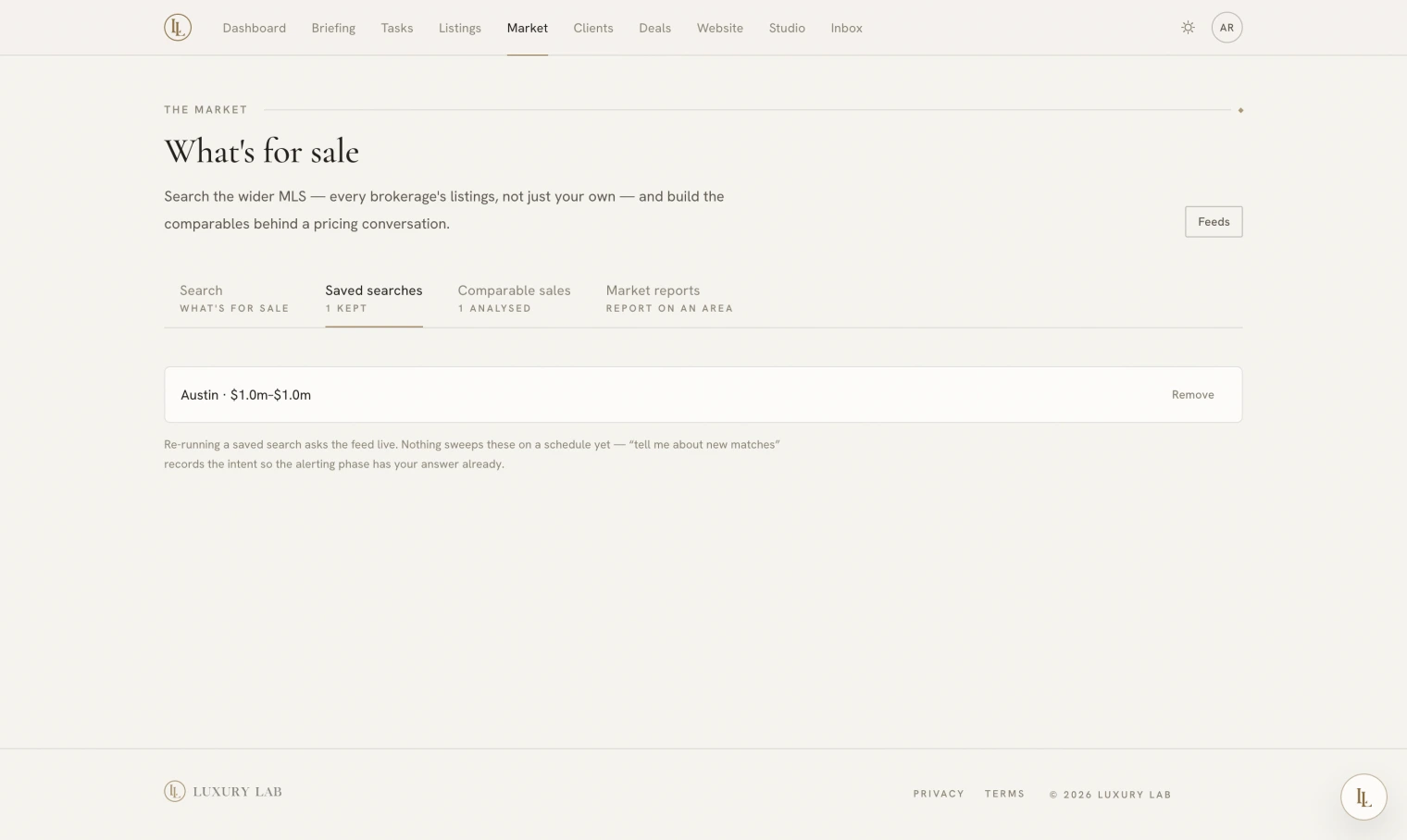
Save this search keeps the question, not the answers — so running it again always asks the feed fresh. Saved searches live on their own tab.
The Notify me switch records that you want to hear about new matches. Nothing sweeps saved searches yet, and the page says so rather than implying an alert that will not come.
Your feeds
The Feeds button goes to Workspace → Feeds, which shows which MLS feeds answer for you. Feeds are a brokerage feature: your brokerage holds its MLS licence once, on the agency desk, and market search answers through it for every agent under it with nothing to set up. Two things decide what a feed does:
| Setting | Means |
|---|---|
| Your listings | This feed brings your own inventory in and keeps it up to date — once your brokerage admin has entered your MLS agent id |
| Market search | This is the feed searched from this page. One at a time. |
Every feed marked Your listings syncs; only one feed answers market searches.
An MLS licence covers what it covers. Some feeds carry active listings only, some add sold data, and some are built for keeping inventory in step rather than for searching at all. When you ask for something a feed cannot do, the app says which feed and what is missing — it does not return an empty result and leave you guessing.
Feeds are set up by the brokerage on the agency desk rather than by you or by asking Elle. API credentials have no business in a chat transcript.