Marketing a listing
The Marketing tab: personalized copy on a ledger you can see at a glance, links into the Studio for graphics, and a downloadable kit of everything at once.
Open a listing and switch to Marketing.
The launch kit
The first thing on the tab is a ledger — one row per piece of written copy, showing whether it is on file, when it was written, and the first line of it.
| Piece | Feeds |
|---|---|
| Announcement email | The announcement email document |
| Launch pitch | The seller presentation |
| Listing narrative | The listing book and the buyer presentation |
| Area guide | The neighbourhood guide |
Each row has Compose — or Recompose if something is already there. It writes the piece there and then, on the page, and files it against the listing. No drawer, no waiting on a conversation.
Refine opens Elle with that piece attached, for when you want to direct the rewrite rather than take another pass.
Everything written here flows into the documents automatically. Compose the narrative and the listing book has it the next time you open it.
Asking for it instead
Write the announcement email for Ridgewood.
Write the listing narrative — lead with the garden, keep it under two hundred words.
Same result, filed the same place.
Graphics
The design rail on this tab shows the pieces already made for this property, and Design for this listing opens the Studio with the property attached — its photographs in the picker, its price and address ready to place.
Launch kit goes further: one brief, and a matching set arrives — a hero for social, a story, a flyer, a postcard and an email header, all in the same look. It asks before it runs, because it is real work. If one of the five fails you still get the other four, and the app says which is missing.
See The Studio.
Open houses
Schedule one here and its public sign-in page exists immediately, with a printable QR table card to go with it. Everyone who signs in lands in your clients. See Open houses.
Publish controls
The publish state for manual listings sits here. See Publishing.
Download the kit
In the Documents section header, Download the kit produces a single zip containing:
- Every print document, rendered as a PDF
- The announcement email as an HTML file, with the subject line in it
It takes a moment — each document is genuinely rendered rather than approximated, so the PDFs match what you would get by printing them yourself.
If a document fails to render, the zip still arrives, with a short text file naming what is missing. You are never handed a silently incomplete kit.
For a single document, open it and use your browser’s Print → Save as PDF. That route uses the document’s own print layout and is the most faithful. The kit download is for when you want everything at once.
Who is interested
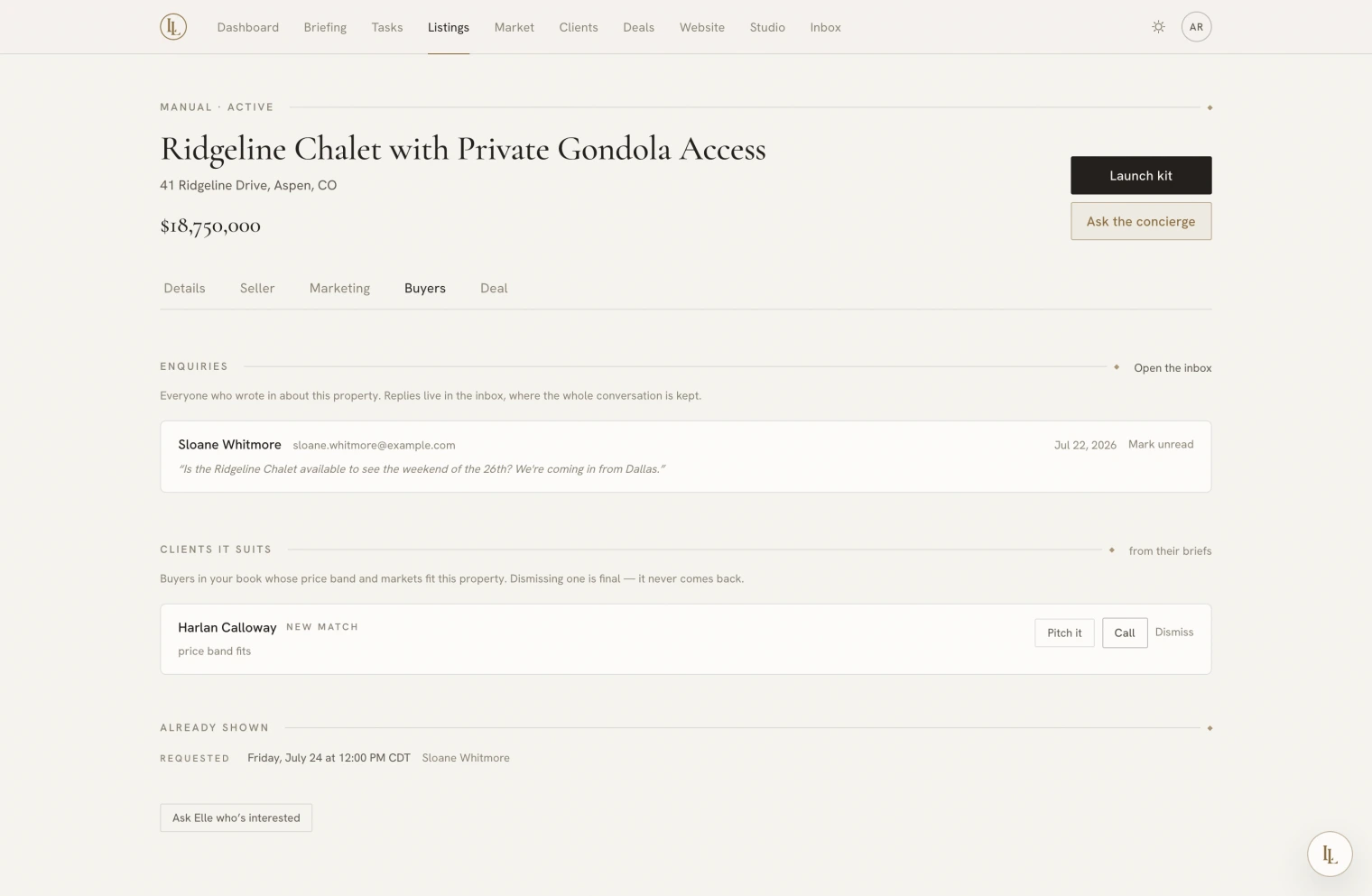
The Buyers tab beside this one gathers what the property is actually doing: page views on your own site, enquiries, showings booked, and the clients in your own book it suits. It is what a seller call is built on — and the same numbers appear on the deal, if there is one.
Views are approximate and every screen says so. Nobody is identified.
What good looks like
A listing that is ready to go out has: photographs in a deliberate order with a strong cover, all four pieces of copy on file, a published page, and its graphics made. The launch playbook stages exactly this over a fortnight if you let it — see Playbooks.