Listings
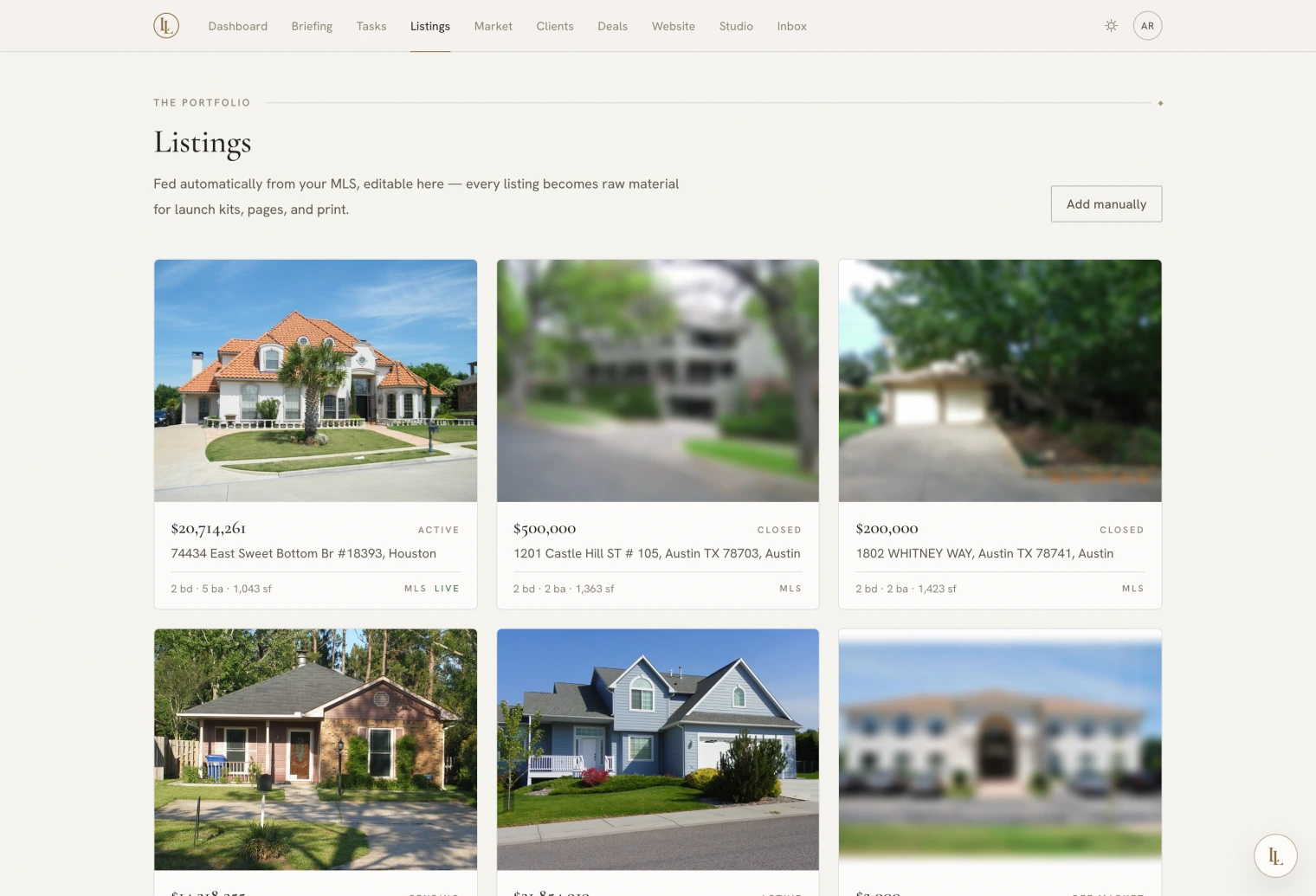
Your properties — both the ones on the MLS and the ones that are not — with photographs, marketing copy, public pages, and a set of print documents each.
Two kinds of listing
They look the same in the app and behave differently underneath.
Feed listings arrive from your brokerage’s MLS feed. The feed owns the facts: address, price, status, photographs. When the MLS record changes, yours changes. You cannot create or delete one by hand — but you can edit it, and your edits survive every sync.
Manual listings you create yourself: pocket listings, coming-soons, quiet inventory, anything not on a feed yet. You own every field.
Your edits always win
Edit any field on a feed listing — rewrite the description, correct a room count, override the price display — and that edit sits on top of the MLS record rather than replacing it. Sync never touches it.
Each edited field gains a Revert to MLS control, so you can always get back to what the feed says.
The five tabs
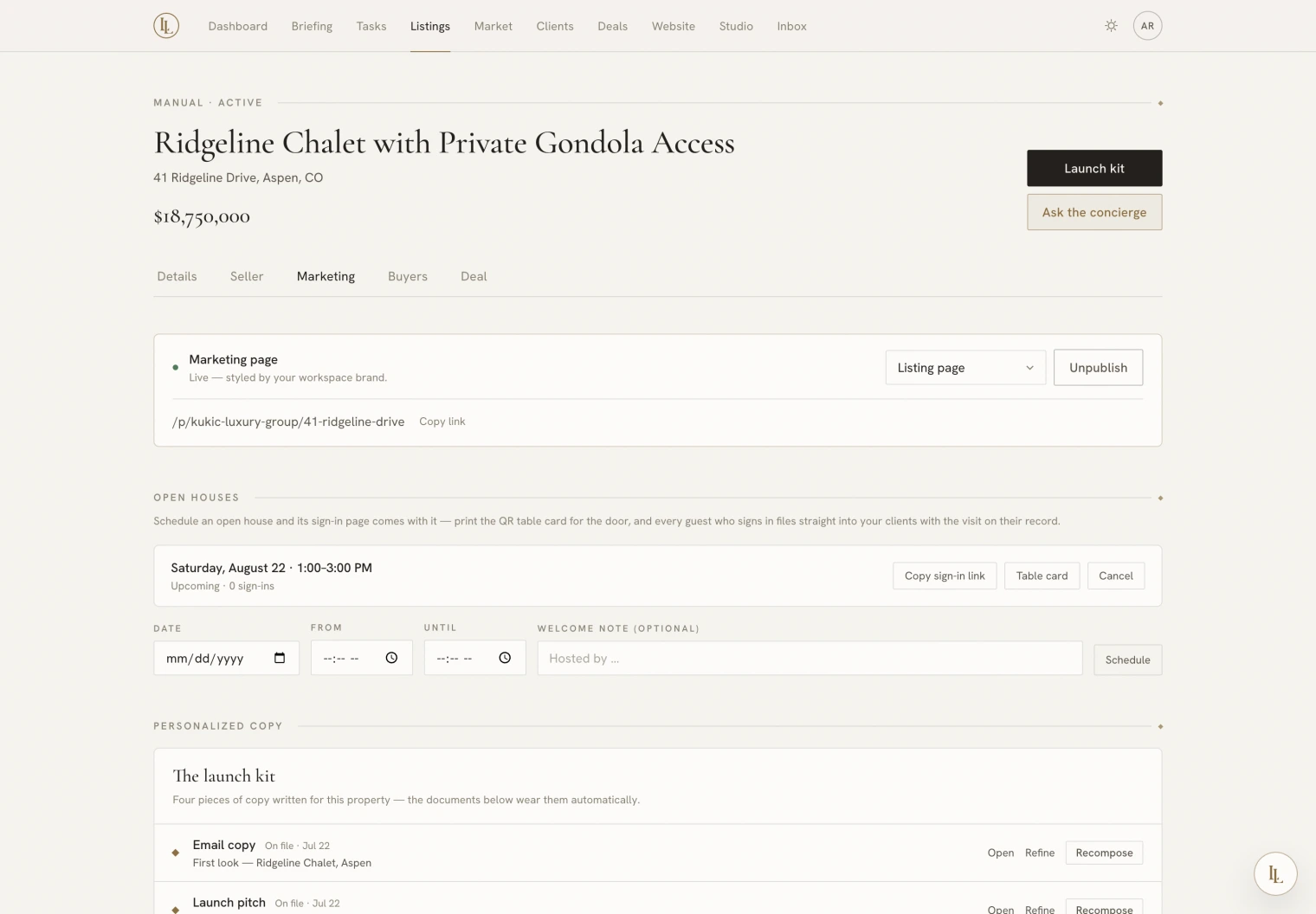
Every listing opens on the same five tabs. The tab is in the address, so you can link someone straight to any of them.
| Tab | Holds |
|---|---|
| Details | Address, price, status, specifications, description, photographs |
| Seller | The private operational record — lockbox and alarm codes, occupancy, the seller’s own contact details and your notes |
| Marketing | Publishing, open houses, the launch kit, the documents, the design rail |
| Buyers | Who has enquired, who has viewed, who it has been matched to |
| Deal | The representation behind it, if there is one |
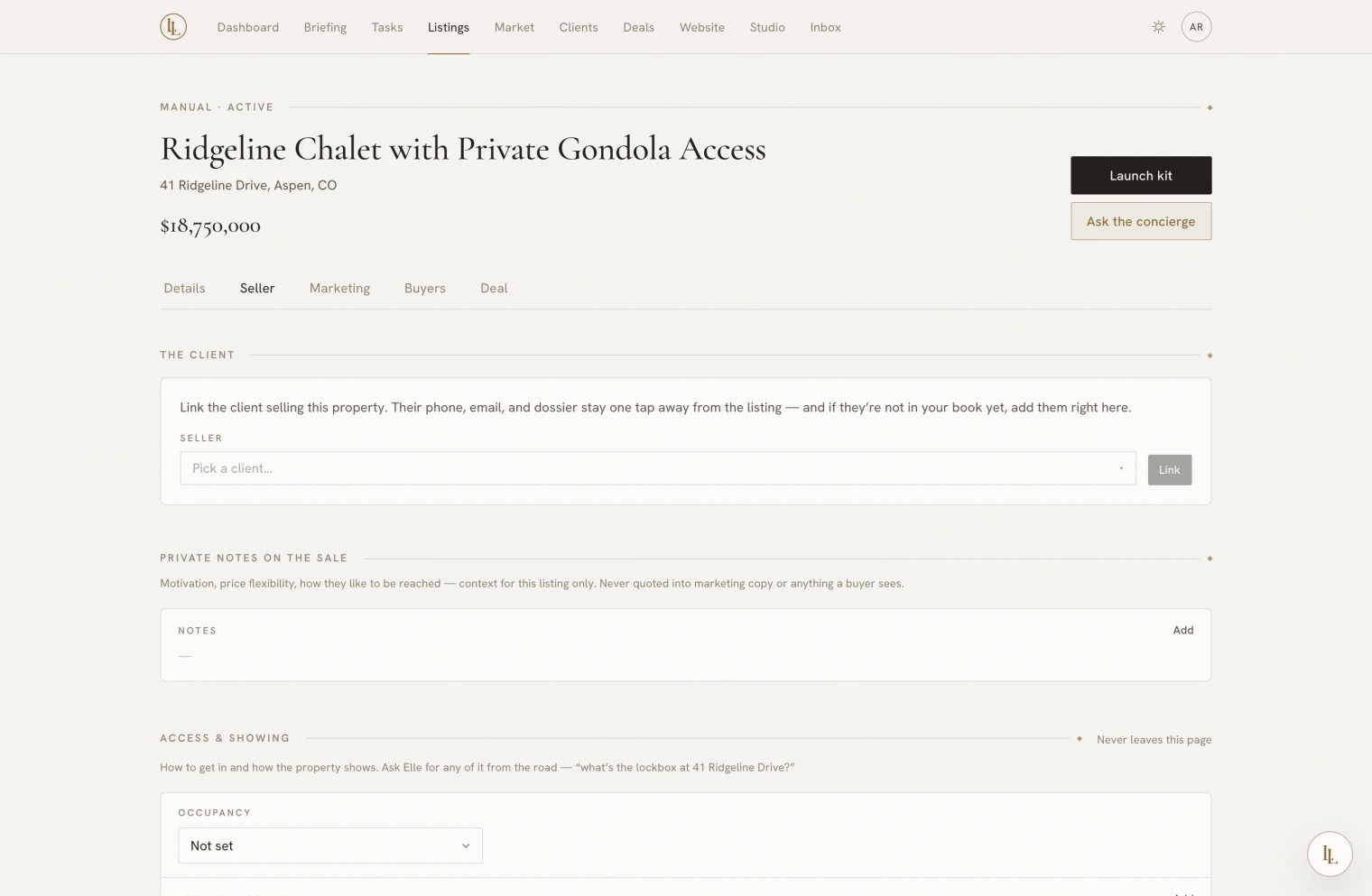
Nothing on the Seller tab can reach a public page, a printed document, or any copy that gets written about the property. That is built in rather than remembered: those details are held apart from everything the app generates from, so an alarm code physically cannot be written into a brochure.
Elle will read them back to you on any channel — “what’s the lockbox at Ridgeline?” works from the car, because your phone is recognised as yours.