Showings
Publish your availability and let buyers book from your listing pages — either as a request you confirm, or as an instant booking.
Inbox → Showings.
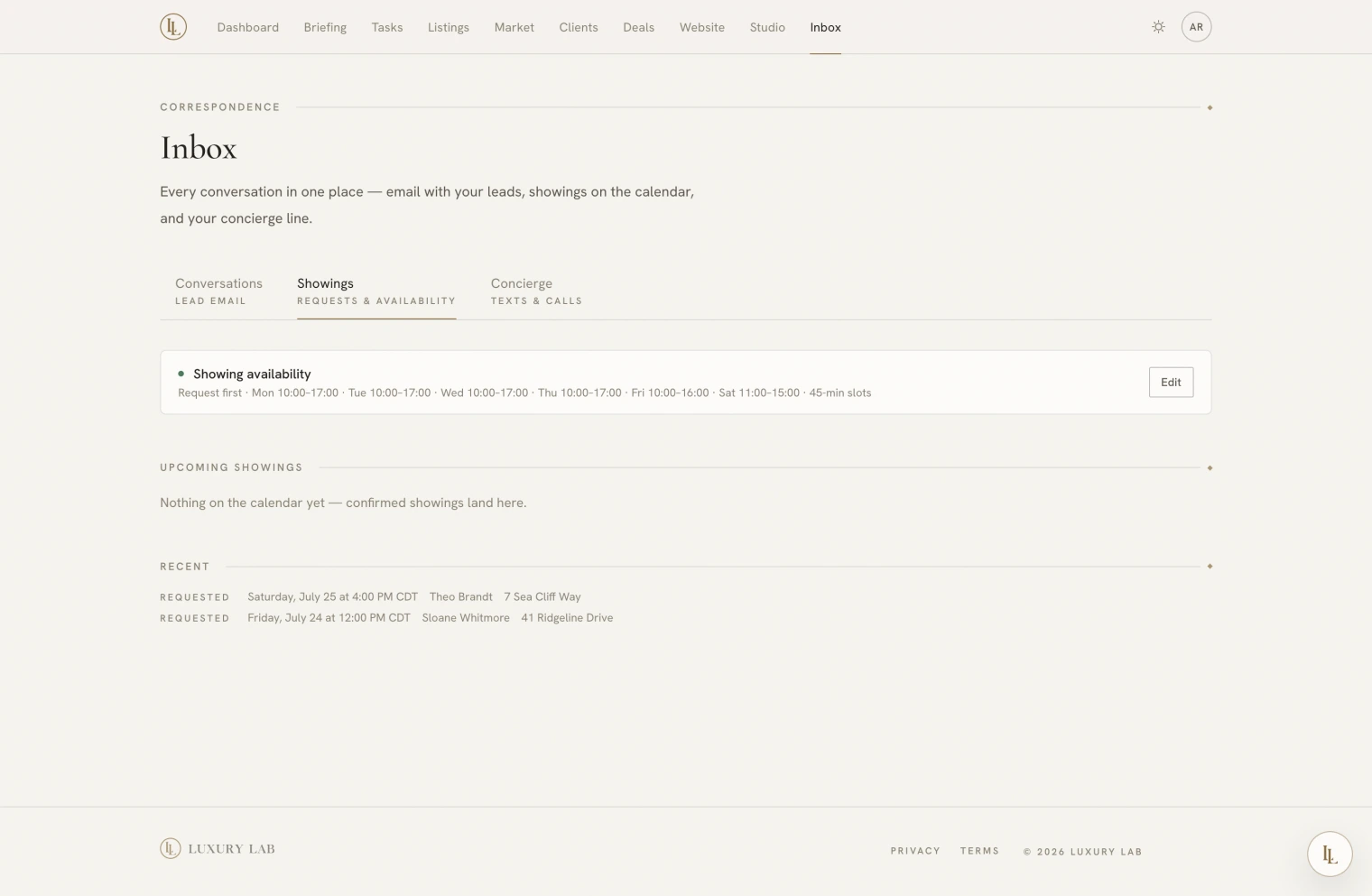
Availability
Set it once:
- Weekly windows — the hours you show, per day, in your own timezone.
- Slot length — how long each appointment runs.
- Minimum notice — how soon someone may book.
- Booking window — how far ahead they may book.
- Mode:
- Request — a visitor asks; you confirm or decline.
- Instant — the slot is confirmed on the spot.
With availability switched on, your listing pages show a slot picker beneath the enquiry form. Without it, they still show the message form.
Requests waiting
Pending requests sit at the top with Confirm and Decline. Both notify the visitor. Declining does not require a reason, though offering an alternative in a follow-up email is a kindness.
What happens on confirm
- The visitor gets a confirmation email.
- If Google Calendar is connected, an event is created with the visitor as an attendee — so they get a calendar invitation too.
- The showing is logged on that client’s timeline.
Cancelling later deletes the event and notifies them.
Whose calendar? The person who confirms. For an instant booking, where nobody pressed anything, it is a workspace owner’s — which is what makes unattended booking work at all.
Double bookings
Two people cannot take the same slot. If someone else takes it in the seconds between the page loading and the form submitting, the second visitor is told plainly that the time has just gone.
Asking Elle
- “What showings do I have today?”
- “Confirm the Saturday one.”
- “Decline it.”
Today’s confirmed showings also appear in your morning briefing.
The record
Every showing — requested, confirmed, declined, cancelled — is logged on that client’s timeline. A confirmed showing counts as being in touch and resets their follow-up clock.